Overview
The lightbox plugin opts an image into a click-to-zoom lightbox with a leading !!. The marked image becomes a trigger button that opens the full-size image in a modal <dialog> (a width or height on the image, from the image-size plugin or an attribute block, sizes the image on the page and is left off the dialog's copy), dimming and blurring the page behind it. Unmarked images (![…]) render normally.
The entire interaction — open, close, backdrop dismiss, Esc, focus trapping, and the zoom/fade animation — is built from modern declarative HTML and CSS only: <dialog>, the Invoker Commands API (command/commandfor), closedby="any", and @starting-style. No JavaScript runs, so it works in environments that disable scripts, such as the VSCode Markdown preview.
The trigger stays inline; the matching <dialog> is emitted at the end of the document (a <dialog> is flow content and can't live inside the <p> that wraps an inline image), linked by id:
<button type="button" class="markdown-lightbox-trigger" command="show-modal" commandfor="markdown-lightbox-1h8yfti">
<img src="photo.jpg" alt="…" />
</button>
<!-- …emitted at the end of the document… -->
<dialog id="markdown-lightbox-1h8yfti" class="markdown-lightbox" closedby="any">
<button type="button" class="markdown-lightbox-close" command="close" commandfor="markdown-lightbox-1h8yfti" aria-label="Close image">
<img src="photo.jpg" alt="…" />
</button>
</dialog>Syntax
Add a second ! in front of any image. Click a thumbnail below to zoom; click it again, click the backdrop, or press Esc to close.
!
!In renderers without the plugin, the extra ! renders as plain text and the image still shows.
The marker is read at the start of a line, after a space, or directly after other markup. After text it is not: Look! and (!) are a ! and a plain image. The marker cannot be escaped: \! and ! are still lightbox images. For a literal ! before a plain image, put a space between them: ! .
The alt text is the engine's own, in the thumbnail and the dialog alike. Markers from other plugins in it (!) differ as they do for any image: markdown-it drops them, and remark and Sätteri keep the text as written.
Repeated images share one dialog
The dialog id is a stable hash of the image src, so referencing the same image more than once produces a single dialog that every trigger opens — not a duplicate per reference.
Ids are unique per document, not per page. If you render several documents into one page and two of them lightbox the same image (or use the same name, below), their dialogs have the same id and every trigger opens the first one.
Here is a dock: . And here is the very same dock again: .
Here is a dock: !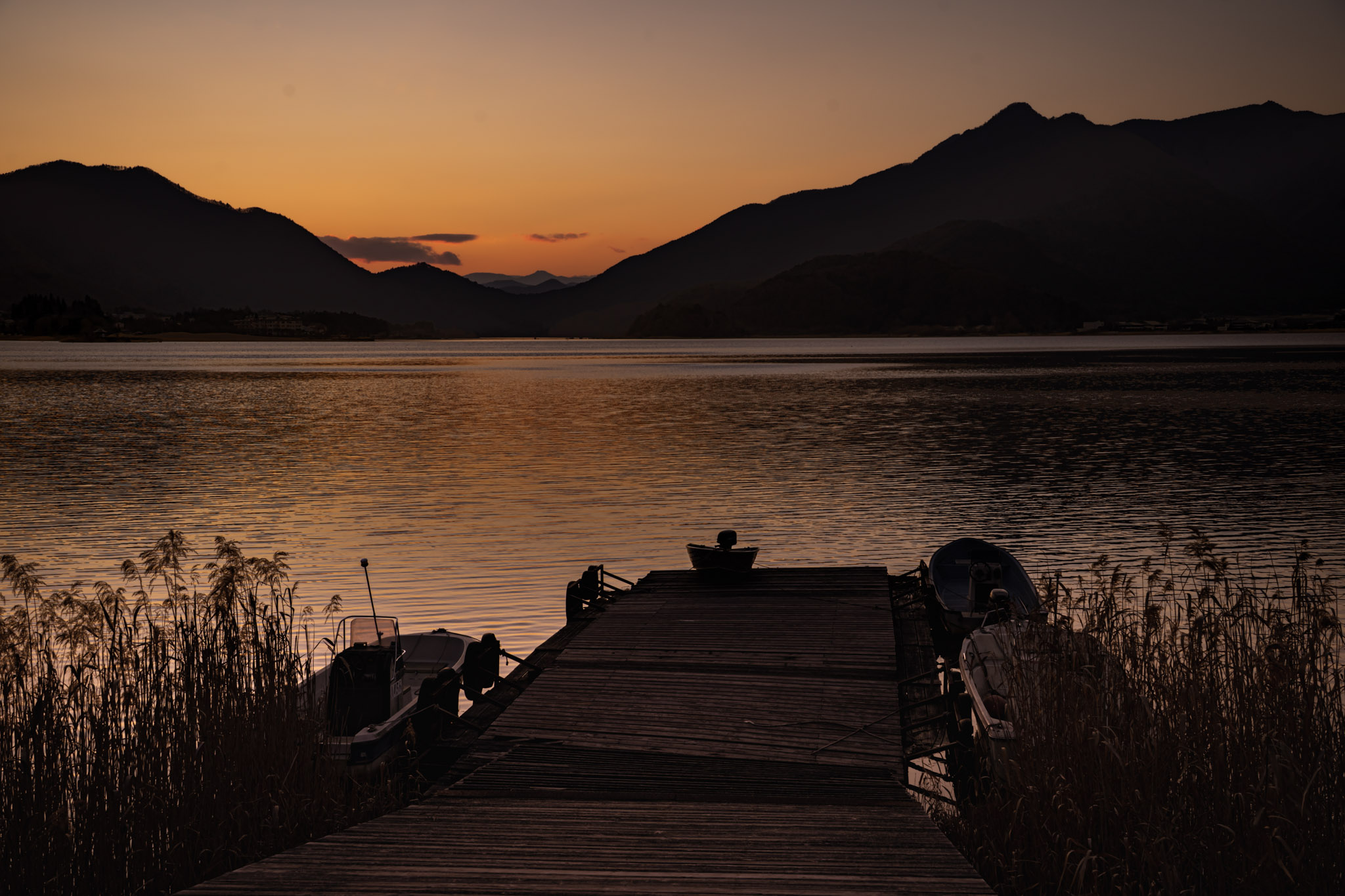.
And here is the very same dock again: !.Naming a lightbox
By default the id is hashed from the src. With the attrs plugin you can name it explicitly with {#id} — handy for stable, human-readable ids. The id moves onto the dialog, so it isn't duplicated on the image.
A name belongs to one image. An id that is already taken, by another element such as a heading or by an earlier lightbox image with a different src, is ignored: that image keeps its hashed id, so its trigger still opens its own dialog. Two names on the same image give it two dialogs, and references to it without a name share the first. The plugin only sees the ids that exist when it runs, so an id added afterwards (by a slug plugin listed after it, or by the page around the document) is not detected.
!{#fuji}Images inside links
An image wrapped in a Markdown link is left alone: a <button> can't nest in an <a>, and the link is the explicit click intent — so the link wins and the ! stays literal. A link written as raw HTML (<a href="…">!</a>) is not seen as one: the image inside it still becomes a trigger.
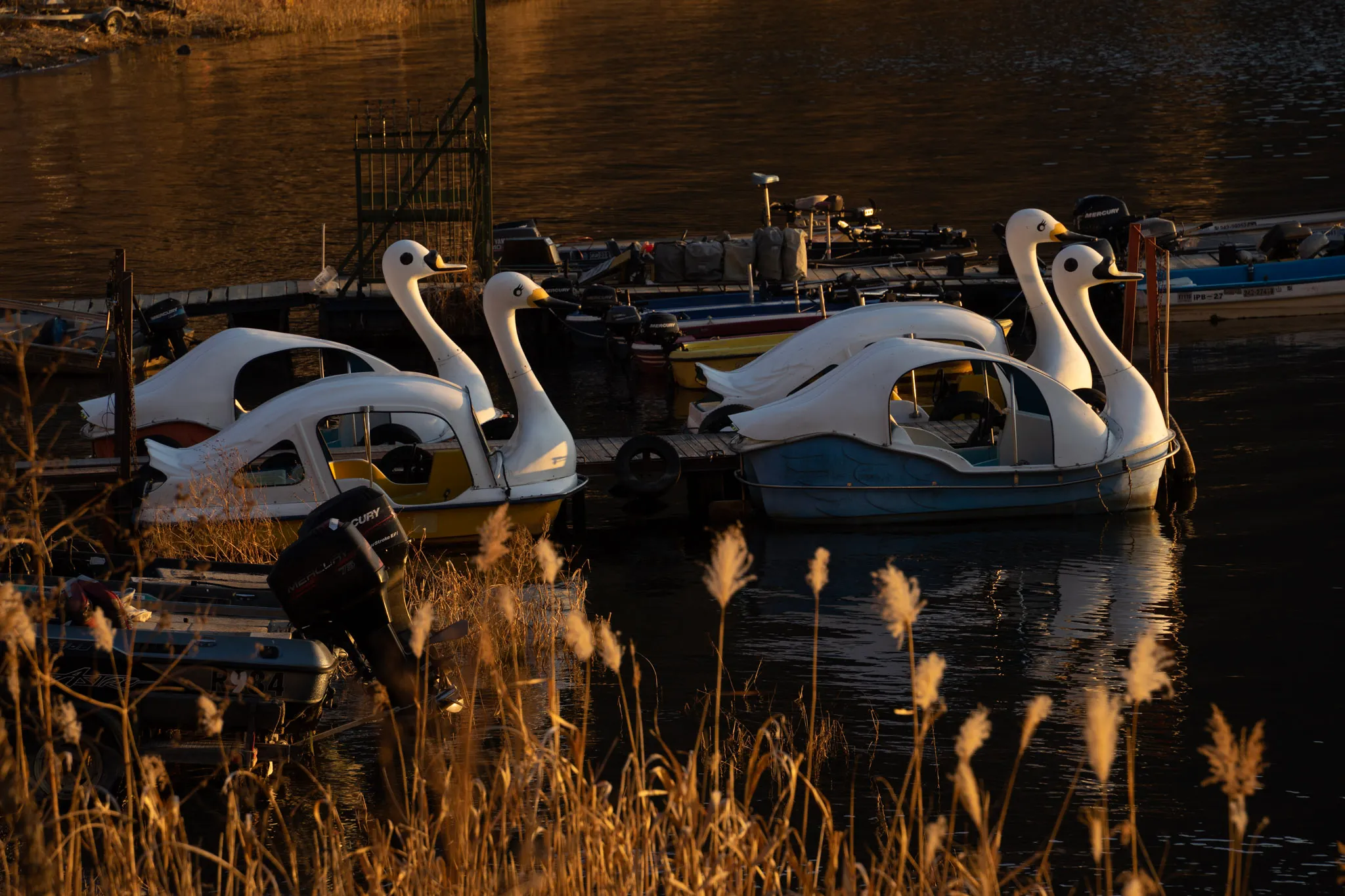
[!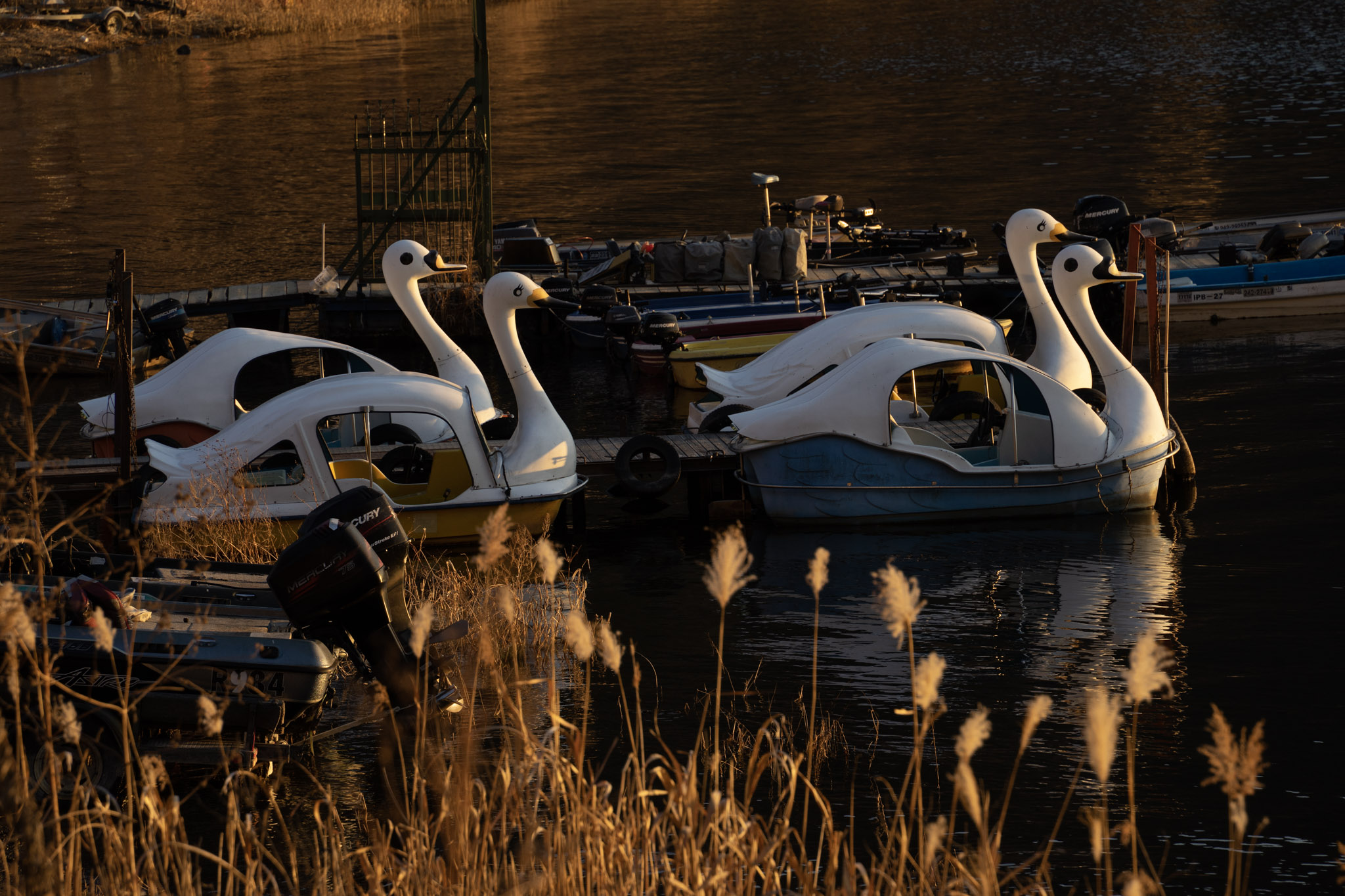](https://example.com)Captioned images
A lightbox image can take a caption like any other image: the trigger becomes the figure's content, and the caption stays under the thumbnail. With the caption option (below), the dialog shows the caption under the zoomed image too. Repeated images share one dialog, which shows the first caption any of them has.
!
~: Mount Fuji from Lake Kawaguchi. Select the image to zoom in.Options
| Option | Default | Description |
|---|---|---|
caption |
false |
Show a captioned image's caption under it in the dialog. List the caption plugin before this one, so the caption is in place when it runs. |
Customization
The stylesheet keeps its rules in @layer markdown-lightbox, so any unlayered CSS you write overrides them without !important. The common knobs are exposed as custom properties — set them on :root or any ancestor:
| Property | Default | Description |
|---|---|---|
--markdown-lightbox-backdrop |
rgb(0 0 0 / 72%) |
Backdrop color behind the image. |
--markdown-lightbox-blur |
3px |
Backdrop blur radius. |
--markdown-lightbox-radius |
0.375rem |
Image corner radius. |
--markdown-lightbox-duration |
0.25s |
Open/close transition duration. |
--markdown-lightbox-caption |
white |
Caption text color in the dialog. |
:root {
--markdown-lightbox-backdrop: rgb(0 0 0 / 85%);
--markdown-lightbox-blur: 6px;
--markdown-lightbox-radius: 0.5rem;
--markdown-lightbox-duration: 0.2s;
}Browser support
Requires command/commandfor, <dialog closedby>, and @starting-style (Chromium 135+ and equivalent). Where unsupported, images degrade to a plain, non-zooming thumbnail.
Usage
The remark package ships rehypeLightbox, a rehype plugin — it runs on the hast tree, so register it after remark-rehype. Run it before unwrap-images and before rehypeInlineSvg (@mirrordown/remd-inline-svg) if you use them: once an image is inlined there is no <img> left to turn into a lightbox.
npm install @mirrordown/remd-lightboximport { unified } from "unified";
import remarkParse from "remark-parse";
import remarkRehype from "remark-rehype";
import rehypeStringify from "rehype-stringify";
import { rehypeLightbox } from "@mirrordown/remd-lightbox";
import "@mirrordown/remd-lightbox/lightbox.css";
const processor = unified()
.use(remarkParse)
.use(remarkRehype)
.use(rehypeLightbox)
.use(rehypeStringify);// astro.config.ts
import { defineConfig } from "astro/config";
import { rehypeLightbox } from "@mirrordown/remd-lightbox";
import "@mirrordown/remd-lightbox/lightbox.css";
export default defineConfig({
markdown: {
rehypePlugins: [rehypeLightbox],
},
});npm install @mirrordown/mdit-lightboxInstall it before unwrapImages, so an image left alone in its paragraph still unwraps, and after inlineSvg, so an inlined image keeps its trigger. That is the reverse of the remark and Sätteri order for inline-svg: markdown-it plugins wrap the image renderer, and the last one installed runs first.
import MarkdownIt from "markdown-it";
import { lightbox } from "@mirrordown/mdit-lightbox";
import "@mirrordown/mdit-lightbox/styles";
const md = new MarkdownIt().use(lightbox);// .vitepress/config.ts
import { defineConfig } from "vitepress";
import { lightbox } from "@mirrordown/mdit-lightbox";
import "@mirrordown/mdit-lightbox/styles";
export default defineConfig({
markdown: {
config: (md) => md.use(lightbox),
},
});npm install @mirrordown/sat-lightboxList it before satteriUnwrapImages, so an image left alone in its paragraph still unwraps, and before satteriInlineSvg: once an image is inlined there is no <img> left to turn into a lightbox.
import { markdownToHtml } from "satteri";
import { satteriLightbox } from "@mirrordown/sat-lightbox";
import "@mirrordown/sat-lightbox/lightbox.css";
const { html } = markdownToHtml(source, {
hastPlugins: [satteriLightbox()],
});// astro.config.ts
import { defineConfig } from "astro/config";
import { satteri } from "@astrojs/markdown-satteri";
import { satteriLightbox } from "@mirrordown/sat-lightbox";
export default defineConfig({
markdown: {
processor: satteri({ hastPlugins: [satteriLightbox()] }),
},
});
// In your layout:
import "@mirrordown/sat-lightbox/lightbox.css";